.incolorrentalswhite-97f2811dac5c7210eaad7e2637b2c4365395b0b25a5a3e1018729b6287764713.png)
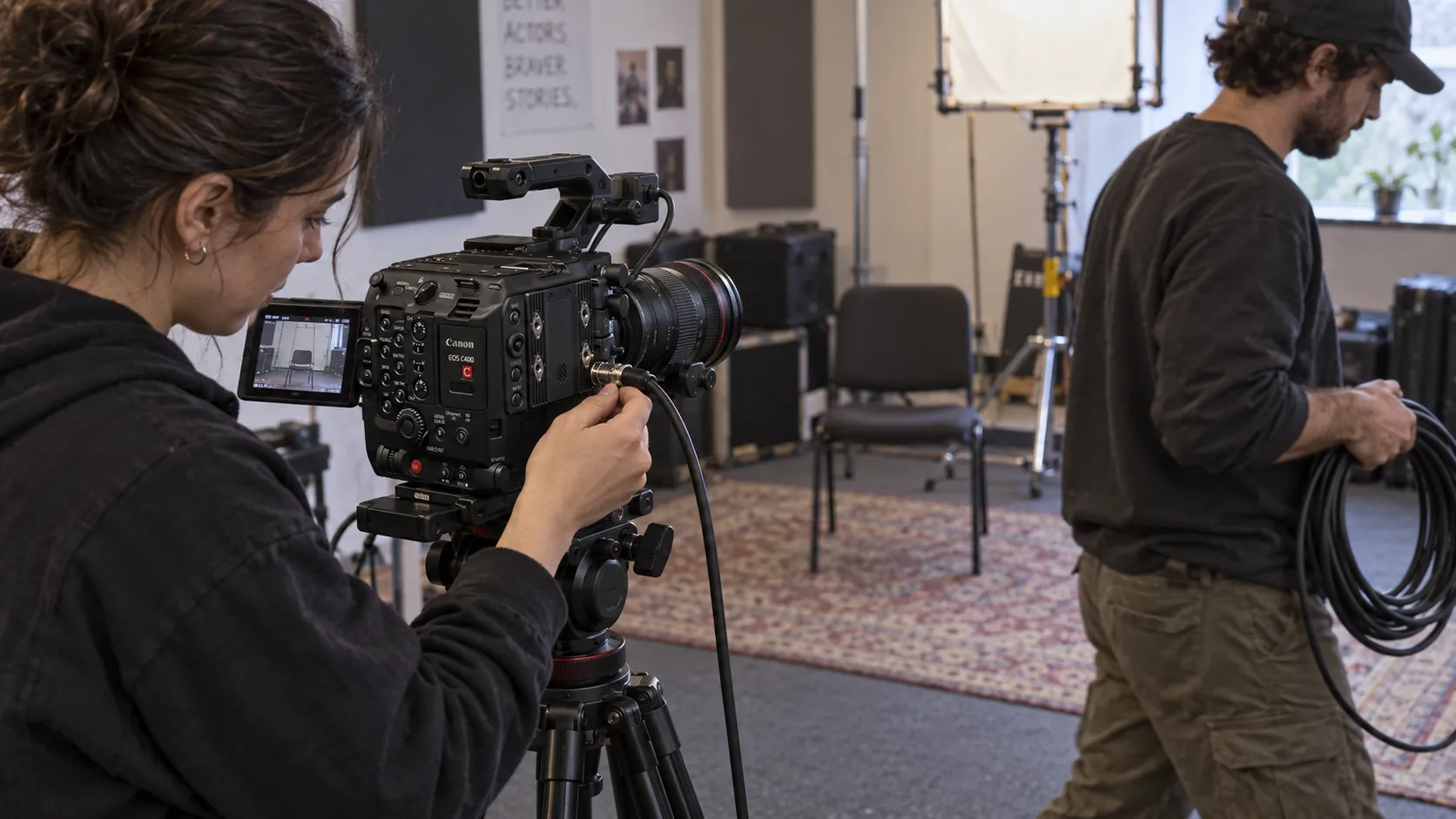
A camera, a director’s monitor and a client screen can look like a complete monitoring package on a Gear List. The missing decisions appear when the crew starts using it: the focus puller needs a different view from the client, the director moves away from the cart, or a camera setting changes the signal arriving at the transmitter.
The useful starting point is the path between those people and the camera. What must each viewer judge? What signal reaches them? Who controls its appearance? A clear answer gives the rental request more substance than a monitor size and a wireless range.
Give each viewer a job
Start with the decisions people will make while watching. An operator needs a view that supports framing and camera movement. A focus puller may want magnification or focus tools. The cinematographer needs an agreed method for judging exposure. A director or client may need a clean picture without those tools covering the performance.
These requirements can coexist, but they should be deliberate. A waveform is useful to someone checking exposure; it can distract someone reviewing an interview answer. Decide whether viewing tools stay local to a monitor or travel downstream. A shared picture does not have to mean identical display settings for every person.
Position matters just as much as screen size. Ask where the viewers will stand or sit, whether they need to move during a take, and who must see more than one camera. A screen that works for one person beside the camera may be awkward for several people around a table. Conversely, a larger viewing station can create a substantial power, support and cable package for a room with frequent resets.
Describe those working conditions before browsing the monitoring collection. The choice becomes easier to evaluate when its role is explicit.
Specify the signal at every handoff
Internal recording resolution, camera output format, wireless transmission format and monitor panel resolution are separate specifications. “We are shooting 4K” does not tell the rental team what a particular SDI output will send, or what the next device can accept.
The Canon C400 kit provides a concrete example. Canon’s specifications list a 12G/6G/3G/HD-SDI output and a separate 3G/HD-SDI monitor terminal. Those connections should not be treated as interchangeable promises of the same signal in every recording mode. Confirm the output settings for the planned camera configuration.
Then inspect the next link. The Teradek Bolt 6 LT 750 transmitter/receiver kit is a relevant rental option for a wireless viewing path. The Bolt 6 LT specification lists 1080p up to 60 over its supported SDI path, while 4K up to 30 is HDMI only. A camera’s higher-resolution SDI capability does not expand the transmitter’s SDI input capability.
Write down the connector and signal at each transition: camera to transmitter, receiver to monitor, and any monitor output feeding another screen. Include resolution and precise frame rate. Confirm conversions explicitly rather than assuming that a connector adapter also changes the video format.
Display specifications need the same care. SmallHD’s Ultra 10 documentation describes support for signals up to 4Kp30 over 6G-SDI; the manufacturer lists a 1920 × 1200 panel. Accepting a 4K signal and showing it pixel for pixel are different things. Choose the format for the viewer’s task and the complete path, not the largest number on one device.
Decide where the look lives
A viewing LUT—a lookup table used to transform the picture’s appearance—needs an identified place in the chain. State whether the camera sends log or a transformed image, which look is intended, and which device applies it. That makes it possible to check whether two viewers are judging the same image or whether a transform has been applied twice.
Monitor outputs also deserve attention. SmallHD’s PageOS input/output documentation explains that tools applied to an Output Page, including a Look/3D LUT, can appear on downstream monitors. It also says actual settings depend on the monitor model. Check the rented unit’s routing; the picture on its own screen is not sufficient evidence of what its output sends.
During prep, compare the local display with the end of the chain. Confirm the agreed look, framing guides, camera information and exposure tools where they belong. Include playback as well as live viewing. If a client sees a clean picture while the camera department uses tools, record that arrangement so someone restoring settings later understands the intent.
Prep the recovery, not just the picture
A picture appearing once is a starting point. Rehearse the movement and resets that the package must support. Check the viewing position, cable travel, power changes and restart behavior with the actual units. Wireless range figures describe specified conditions; they are not a promise that a particular room, obstruction or crowded location will behave the same way.
For a stationary setup, a planned cable route may make sense. For a moving director, wireless may serve the work better. Neither choice removes the need for correct connections, charged power, mounting and someone responsible for the path. Where practical, include a known compatible wired recovery route and the time needed to use it.
A hypothetical handoff might read: “One camera; operator stays local; director watches a wireless receiver at the rehearsal position; client watches a clean feed at the table. Proposed downstream format is 1080p23.98, subject to confirmation on every device. Agree one viewing transform, keep focus tools off the client feed, and assign the camera assistant to restore the path after a reset.” This is a planning example, not a verified equipment combination.
Bring that information into the rental request, alongside shoot dates and the Gear List. Name any equipment you are bringing, the required viewing positions and the person responsible for prep. A screen count tells the team what to pack. A signal plan tells them what the package needs to accomplish.
The image is an AI-generated illustration of a fictional production scenario.